
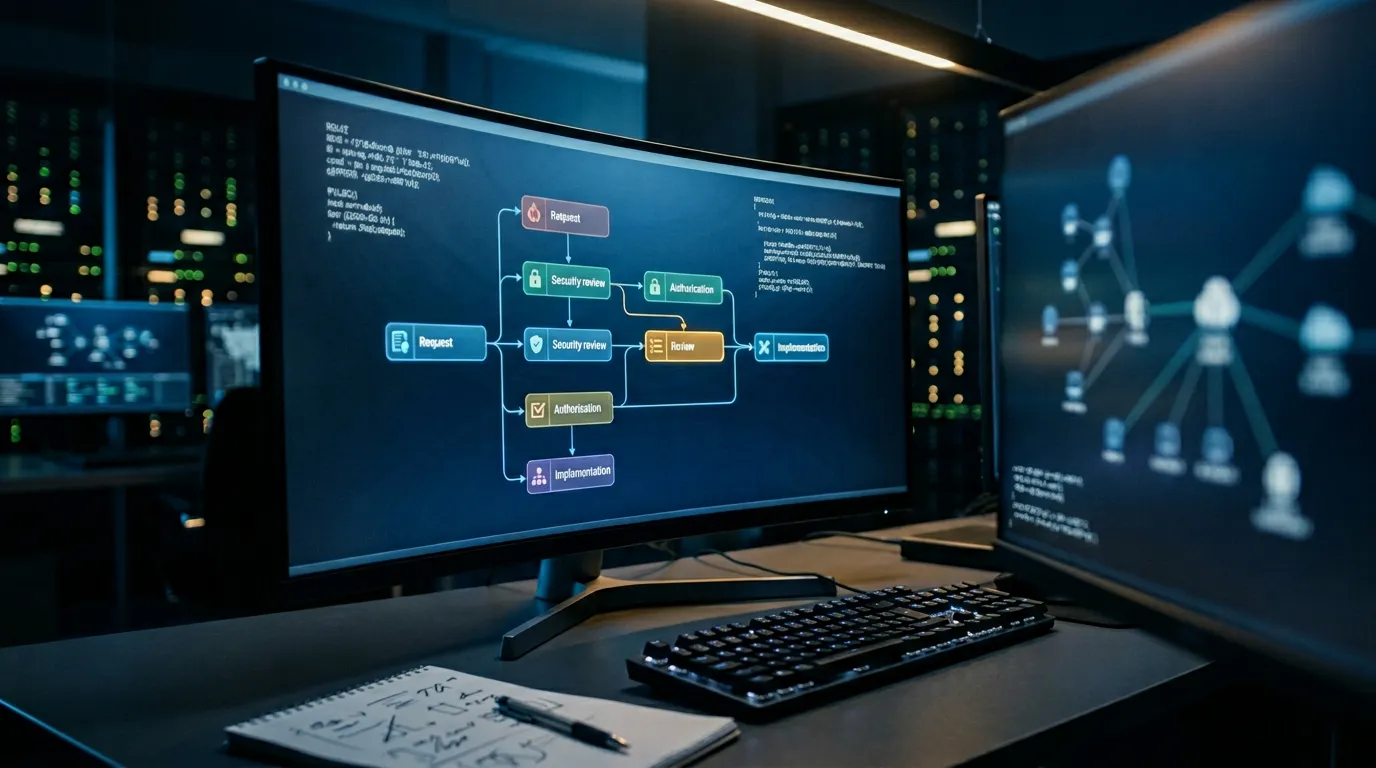
Your client’s auditor wants a complete record of every firewall rule change made in the last 12 months across all their environments. Who made it, when, what changed, and whether it went through an approval process. If your answer involves logging into six different management consoles, exporting whatever logs are available, and hoping your engineers remembered to document the 2 AM emergency change they pushed during a client incident last quarter, you already know the problem. For MSPs managing firewall policy across multiple tenants, change management is not just a compliance checkbox. It is the operational foundation that keeps your clients auditable and your business defensible.
This post covers what firewall change management requires in multi-tenant MSP environments, how it maps to the compliance frameworks your clients are accountable to, and where shared-infrastructure models consistently break down under audit.
Key takeaway: MSPs face a harder change management problem than in-house teams. You are managing policy across multiple clients, multiple platforms, and multiple compliance scopes simultaneously. Without purpose-built controls for tenant isolation and per-client audit trails, a single undocumented change in one tenant environment can create audit exposure for your entire practice.
What Is Firewall Change Management for MSPs?
Firewall change management for MSPs is the process of planning, reviewing, approving, implementing, and documenting modifications to firewall rules and configurations across multiple client environments, with controls that enforce per-tenant isolation of change records, approval workflows, and audit trails. It ensures that changes made on behalf of one client cannot affect another, that every change is traceable to an authorized request, and that each client can receive independently verifiable compliance evidence on demand.
The scope covers any modification to firewall policy across managed client environments: rule additions and removals, source and destination changes, port and protocol access, NAT policies, zone assignments, and management access configuration. In practice, this spans FortiGate, Palo Alto, Cisco ASA, Check Point, and whatever platform each client inherited before you took over their network.
Why Multi-Tenant Environments Are a Different Problem
In-house security teams manage one environment. Their change management challenge is discipline and process consistency. MSPs manage dozens of environments simultaneously, which introduces a category of risk that single-tenant thinking does not account for.
- Shared credentials on management platforms. When engineers use a shared service account to access client firewalls, individual accountability disappears. The audit trail shows the service account, not the engineer. Under PCI DSS Requirement 8 and SOC 2 CC6.1, this is a direct finding.
- Cross-tenant change bleed. A template-based or scripted change applied to the wrong client environment is a realistic failure mode when you are managing dozens of similar firewall configs. Without hard tenant isolation in your change workflow, the risk of a cross-client configuration error is real.
- Conflicting compliance scopes. Client A is under PCI DSS. Client B is under HIPAA. Client C is a NIST 800-171 contractor. The same change management platform has to produce audit evidence formatted to each framework’s requirements, not a one-size-fits-all export.
- Emergency changes during incidents. When you are responding to an active incident in a client environment, the change management process is the first thing that gets skipped. These undocumented emergency changes frequently become permanent rule additions that no one reviews later.
- Client turnover and offboarding. When a client leaves, their firewall configurations, change histories, and audit records need to be exportable and complete. If your change history lives inside a shared platform without client-level data segregation, clean offboarding becomes complicated quickly.
Firewall misconfigurations contribute to an estimated 19% of data breaches, according to Verizon’s 2023 DBIR. For MSPs, a misconfiguration in one client environment is a reputational and legal event, not just a technical one.
What Your Clients’ Compliance Frameworks Require From You
When your client’s QSA or auditor asks for firewall change evidence, they are asking for documentation that your MSP generated and controls. Here is what each major framework expects.
PCI DSS 4.0
If you manage firewall infrastructure that touches a client’s cardholder data environment (CDE), you are in scope for PCI DSS 4.0 change control requirements regardless of who owns the hardware:
- Requirement 1.2.2: Network security control configurations must be reviewed at least every six months to confirm they remain current and relevant. As the MSP, this review falls on you to conduct and document.
- Requirement 6.5.1: Changes to system components in the CDE require a documented change control process that includes impact analysis, testing, and approval before implementation. Per-change evidence is required, not just a policy document.
- Requirement 12.8: Third-party service providers (which includes MSPs) must maintain a documented list of their responsibilities for PCI DSS controls. If you manage CDE-adjacent firewalls, your change management process is part of what a QSA will review.
SOC 2 (CC8.1 and CC6.1)
For clients pursuing SOC 2 Type II, the AICPA Trust Services Criteria addresses change management under CC8.1 (change management) and logical access under CC6.1 (access controls). As an MSP with privileged access to client environments, your change practices are directly relevant to both. Auditors routinely pull MSP change logs as part of a client’s SOC 2 examination. If your logs are incomplete or show shared account access, that creates a finding on your client’s report.
NIST SP 800-53 Rev 5 and CMMC 2.0
For clients in the federal contractor space or working toward CMMC 2.0 compliance, NIST SP 800-53 CM-3 (Configuration Change Control) and CM-5 (Access Restrictions for Change) apply directly. CM-5 specifically requires that access restrictions for making configuration changes be defined and enforced. In an MSP model, that means documented role assignments controlling which engineers can push changes to which client environments, with an audit trail that proves it.
Single-Tenant vs. Multi-Tenant Change Management: What Changes
| Capability | Single-Tenant (In-House) | Multi-Tenant (MSP) |
|---|---|---|
| Change request scope | One environment, one ruleset | Per-client isolation required at intake |
| Approval workflow | Internal team hierarchy | Client-specific approvers plus MSP internal review |
| Audit trail | One log per environment | Segregated per-client logs, exportable on demand |
| Emergency change process | Post-hoc documentation acceptable | Must still produce per-client evidence for auditors |
| Compliance reporting | Single framework output | Per-client framework mapping (PCI, SOC 2, HIPAA, NIST) |
| Credential management | Internal IAM policies | Tenant-isolated access, no shared accounts across clients |
| Rollback | Single restore target | Per-client baseline, no cross-tenant dependencies |
| Client offboarding | Not applicable | Full change history export per client required |
What a Defensible MSP Change Trail Looks Like
When a client’s auditor requests firewall change evidence, you need to produce records that are complete, client-specific, and verifiable. For each change event, a defensible audit trail needs:
- Client-tagged change request: Who requested it (client contact or MSP engineer), the stated business justification, the specific rule change requested, and when it was submitted. Linked to a specific client environment, not a shared queue.
- Risk assessment: What traffic will be permitted or denied, whether the change affects any regulated data environment, and whether it introduces exposure to other client segments.
- Approval record: Named approver, role, timestamp, and whether the change required client-side sign-off based on its risk tier. Not a ticket comment. A structured approval with identity verification.
- Pre-change snapshot: The relevant ruleset state for that client before the change was applied.
- Implementation record: Which engineer pushed the change, on which device, at what time, using which credentials, with a full configuration diff captured automatically.
- Post-change validation: Confirmation the implemented change matches the approved request, and that no other rules in the client’s environment were modified.
- Rollback path: A documented reversion procedure tied to the pre-change snapshot, with a defined owner and time estimate.
Audit note: PCI QSAs and SOC 2 auditors will ask MSPs for evidence of how they ensure changes made for one client cannot affect another. “We’re careful” is not a control. Documented tenant isolation in your workflow is.
Where MSP Change Processes Break Down
The failure modes are predictable. If you have been running an MSP practice for more than a few years, you have probably seen most of these:
- Shared firewall management accounts across clients. One service account with admin access to everything is operationally convenient and a compliance liability. Individual accountability is gone. Any auditor asking “who made this change” gets an account name, not a person.
- Incident response changes with no post-hoc records. An engineer pushes a rule change to stop an active breach at 11 PM. No ticket is created until the next morning, if at all. That change sits in the running config with no associated approval record.
- Template changes pushed to wrong tenant. Script runs against the wrong client profile. Rule changes land in Client B’s environment instead of Client A’s. By the time someone notices, neither environment has a clean change record.
- No per-client baseline. Without a documented baseline for each client, unauthorized changes are invisible. You cannot tell the difference between a change that went through process and one that did not if you have nothing to compare against.
- Stale rules from previous engineers or previous projects. Rules accumulate. When the engineer who created a rule leaves your company, the institutional knowledge of why it exists goes with them. Six months later, neither you nor the client can explain it to an auditor.
How to Build a Multi-Tenant Change Management Process That Holds Up
- Establish per-client baselines. Export and document the current running configuration for each managed client environment. Treat this as the starting point for all future change tracking. Every change is measured against it.
- Enforce tenant-isolated credentials. Engineers should access each client environment through role-specific credentials that are tied to their identity, not shared service accounts. Access rights should be scoped to the client, not global across your management platform.
- Map each client to their compliance framework at intake. Know before you start a change whether it touches a PCI CDE, a HIPAA-covered environment, or a NIST-controlled system. The approval threshold and documentation requirement differ by framework.
- Build emergency change procedures that still produce records. Emergency changes should have a defined fast-track approval path (verbal approval followed by documented sign-off within a set window) rather than no process at all. Every framework accepts emergency change procedures. None of them accept undocumented changes retroactively claimed as emergencies.
- Run continuous drift detection per client. Any deviation between the approved baseline and the running configuration should trigger an alert, scoped to the specific client. Drift in Client A’s environment should not surface in Client B’s dashboard.
- Conduct quarterly per-client ruleset reviews. Review each client’s ruleset against their current business requirements. Remove rules tied to decommissioned systems or completed projects. Document the review and the outcome for each client separately.
Key takeaway: Firewall change management for MSPs is a multi-client orchestration problem, not a per-device documentation problem. The process needs to enforce tenant isolation, produce per-framework evidence, and survive engineer turnover without losing change history. Anything less creates audit exposure for your clients and contractual risk for your practice.
CyberX is built for exactly this operational model. The platform supports multi-tenant environments with per-client change workflows, isolated audit trails, and on-demand compliance reporting mapped to PCI DSS 4.0, SOC 2, NIST, and HIPAA. If you are currently managing client firewall changes through a combination of shared management consoles, ticketing systems, and institutional knowledge, it is worth seeing what purpose-built MSP change management looks like in practice.