
For any growing business, the firewall rulebook starts out simple. With just a few employees and a handful of servers, the security rules are straightforward and easy to manage. But then the business expands. New employees are hired, new software is deployed, and temporary access is granted for special projects.
With each change, a new rule is added. Over months and years, the once-clean rulebook explodes into a bloated and tangled list of hundreds or even thousands of policies. This isn’t just a matter of being messy; it’s a critical security issue. Every single rule is a potential point of failure, and a chaotic rulebase makes it nearly impossible to spot vulnerabilities, troubleshoot problems, or prove compliance during an audit.
The good news is that taming this chaos is achievable. It begins with a commitment to regular hygiene. Here are five simple tips to clean up your firewall rules and turn a source of risk into a pillar of strength.
1. Schedule Regular Rule Check-ups
The Tip
Set a recurring calendar reminder to review your firewall rules every few months.
Why It Matters
Firewalls suffer from “rule rot”—the natural decay of a rulebase over time if it’s not actively managed. Old rules are like expired keys to your old apartment. They might not seem harmful, but they can open doors you thought were locked, creating security gaps you don’t even know exist. Businesses evolve constantly, and your firewall rules must evolve with them.
How to Do It
- Pick a realistic schedule (e.g., the first Friday of every quarter) and put it in your calendar as a recurring event. Treat it like any other important meeting.
- Go through your rules one by one and ask the simple question, “Does our business still need this rule to function?”
- Involve the people who actually use the services. Ask the head of accounting if they still need that special access that was set up two years ago. They are the only ones who can truly confirm if a rule is still relevant.
2. Get Rid of Digital Junk
The Tip
Actively find and delete rules, objects, and user accounts that are no longer being used.
Why It Matters
A cluttered firewall is a slow and confusing firewall. While a single useless rule won’t impact performance, hundreds of them create a “death by a thousand cuts” scenario, forcing the firewall’s processor to work harder than necessary. More importantly, this digital clutter makes it incredibly difficult to find and manage the important rules, like trying to find a specific file in a hoarder’s office.
How to Do It
- Look for rules with a “hit count” of zero. This counter tracks how many times a rule has been used. If it’s zero after a few months, it’s a prime candidate for removal.
- Before deleting, quickly double-check that the rule isn’t for a rare but critical event, like a disaster recovery plan that only runs once a year. A good naming convention (see tip #4) helps here.
- Make firewall cleanup part of your official process. When an employee leaves or a server is retired, make “review associated firewall rules” an item on the offboarding checklist.
3. Be Specific: Avoid “Allow Anyone” Rules
The Tip
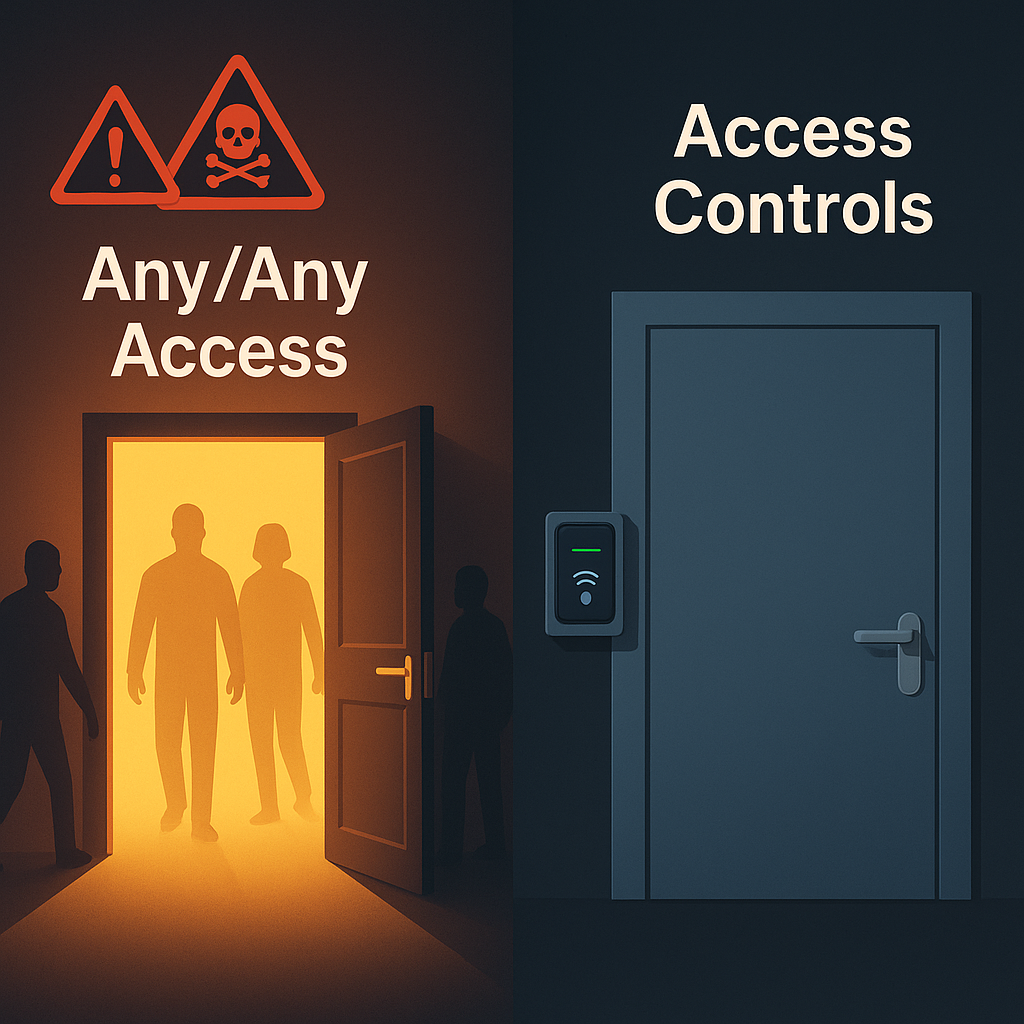
Always define exactly who can connect to what, and avoid using broad “Any/Any” permissions.
Why It Matters
An “Any/Any” rule is the digital equivalent of leaving your office front door wide open with a sign that says, “Everyone’s welcome!” It creates a massive, unnecessary security hole. For example, a rule meant to let one server access a printer could be exploited by malware on that server to attack every other device on the network. The goal is always the “principle of least privilege”—giving only the bare-minimum access needed for a specific task and absolutely nothing more.
How to Do It
- Instead of a rule that says
Source: Any, Destination: Any, be specific with IP addresses or group names (e.g.,Source: Marketing-Team-PCs, Destination: Company-Printer). - Only open the specific “ports” (digital channels) that an application needs to talk, not every single one. Think of ports like different doors on a building. You wouldn’t open the main loading bay (all ports) just to let someone into a single office (a specific port).
4. Create a Clear Naming System
The Tip
Develop a simple, consistent naming format for all your firewall rules and objects.
Why It Matters
Two years from now, a rule named “Rule 27” or “Dave’s temp fix” will be a complete mystery. When a problem occurs, a clear naming system allows you to instantly spot the relevant rules, cutting down your troubleshooting time from hours to minutes. Good naming makes the entire firewall understandable at a glance.
How to Do It
- Decide on a simple format for your team. A great one is:
Source_to_Destination_Service_TicketNumber. - An example name could be:
Marketing-PCs_to_WebServer_on_HTTPS_REQ123. - Apply this format to all new rules and take a few extra minutes to update old, poorly named rules when you see them.
5. Document the “Why”
The Tip
Use the comment or description field on every rule to explain its business purpose in plain English.
Why It Matters
This is the most crucial step for helping your future self and your teammates. The technical details tell you what the rule does; the comments tell you why it exists. Knowing the business reason is the only way to know with 100% confidence if it’s safe to modify or delete a rule months or years later. Good documentation turns firewall management from a solo mystery into a clear team sport.
How to Do It
- In the description field, write a simple sentence like: “Allows the accounting team’s software to connect to the central database for generating monthly reports.”
- It’s also helpful to include who requested the rule and the date it was made.
- If you ever modify a rule, update the comment! Add a new line with the date and the reason for the change.
Conclusion
Keeping your firewall clean isn’t a single, massive project; it’s a simple and regular habit. By consistently scheduling reviews, removing junk, being specific, using clear names, and documenting everything, you transform your firewall from a source of anxiety into a reliable, understandable, and powerful security asset that effectively protects your business.